

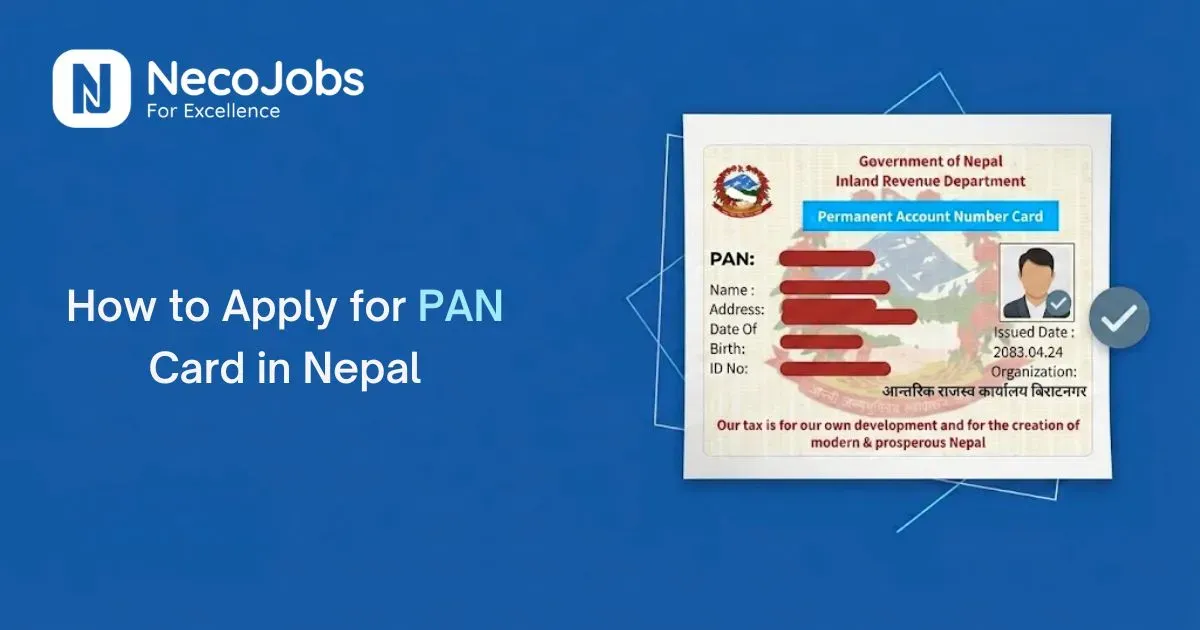
If you are starting a job, freelancing, or running a small business in Nepal, you will need a PAN card at some point. A lot of people find the process confusing the first time around, mostly because they don't know which documents to keep ready or which platform to use.
In this guide, you will learn what PAN actually is, who needs it, what documents you should keep ready, and how to apply step by step.
What Is a PAN Card?
PAN stands for Permanent Account Number. It is a 9 digit number issued by the Inland Revenue Department (IRD), the government body under the Ministry of Finance that handles tax matters in Nepal.
Here are a few simple facts worth knowing before you apply:
- IRD issues the PAN, and IRD is also the office you deal with if anything goes wrong during registration.
- It is a permanent number. You only need to get it once in your life.
- One person can hold only one PAN. If you already have one, you cannot apply for a new one, you just use the existing number.
- First time registration is free. IRD does not charge a government fee for it.
Who Actually Needs a PAN Card?
You will most likely need a PAN if you fit into one of these groups:
- Salaried employees: Many employers ask new staff for a PAN for salary and tax records.
- Freelancers and self employed people: You need a PAN to receive payments properly and file your taxes.
- Small business owners: A PAN is required to run a registered business and meet tax rules.
- Students: If you earn through part time work, tuition, or freelance projects, you may need a PAN.
- Property or investment buyers: A PAN is often asked for during property or investment transactions.
You can also check out our detailed guide on small business ideas in Nepal to learn how to start a successful business in Nepal.
Documents You Need to Apply for a PAN Card
For an individual (Personal PAN), keep these ready:
- Nepali citizenship certificate, a clear copy of both sides
- One recent passport size photo
- An active mobile number, since you'll need it for OTP verification
- Your current address details
For Business PAN, along with your own citizenship document, you'll also need:
- Business or company registration certificate
- MOA/AOA or partnership deed, if you're registering a company or partnership
- Business address details
Foreign nationals apply using their passport along with relevant work permit, visa, or business related documents instead of a citizenship certificate.
How to Apply for a PAN Card Online in Nepal (Step by Step)
You can apply for a PAN card online in two ways: through the official IRD Taxpayer Portal, or through the government's Nagarik App. Both connect to the same IRD system behind the scenes.
Option 1: Apply Through the IRD Website
1. Go to the official Inland Revenue Department (IRD) website at ird.gov.np.
2. Navigate to the Taxpayer Portal and select the option for PAN registration.
3. Choose the appropriate PAN type, such as Personal PAN or Business PAN, depending on your situation.
4. Fill in your personal details accurately, matching the information on your citizenship certificate, including your name, date of birth, address, and contact details.
5. Provide or upload the required documents, such as your citizenship certificate, photograph, and business-related documents if applicable.
6. Enter your mobile number and verify it using the OTP sent to your phone.
7. Submit the application and save the application or reference number for future tracking.
8. If your details are already linked with your National Identity Card (NID), identity verification may be easier and the registration process may be faster.
Option 2: Apply Through the Nagarik App
The Nagarik App is Nepal's official government services app, and it offers a simpler, mobile friendly way to apply.
1. Download the Nagarik App from the Google Play Store or Apple App Store. Before installing, check that the publisher is listed as the Government of Nepal.
2. Register with your mobile number and verify it with OTP.
3. Verify your identity using your citizenship number or National ID details.
4. Go to the Inland Revenue or PAN registration section inside the app.
5. Fill in the required details and upload or capture your documents using your phone camera.
6. Select your nearest Revenue Office.
7. Submit the application.
What Happens After You Submit
Once you submit, IRD checks your application and documents. In many cases, especially when your citizenship or NID details match correctly, your PAN number is generated and you'll receive a confirmation.
To collect the physical PAN card, you'll usually still need to visit your selected Inland Revenue Office once, for document verification or biometric confirmation. This step can't always be skipped, so check the confirmation message from IRD for instructions specific to your case.
For most individual applicants, the process is quick and may take the same day to 1–3 working days if your details and documents are correct. Business PAN and foreign applicants may take around 3–5 working days due to extra checks. Processing time can vary depending on the Revenue Office and your application.
How to Apply for a PAN Card Offline (In Person)
If you prefer to apply in person, you can visit your nearest Inland Revenue Office and complete the PAN registration process directly.
1. Get the PAN registration form, available at the office or on the IRD website.
2. Fill it out and attach a copy of your citizenship certificate and a passport size photo.
3. Submit it at the registration counter.
4. Once verified, you'll get your PAN number, and the physical card is issued after processing.
Personal PAN vs Business PAN: What's the Difference?
If you're applying just for yourself, for a job, freelancing, or personal banking, you need a Personal PAN. If you're registering a PAN for a company or a business you own, you need a Business PAN, and that means gathering the extra business documents mentioned above.
Common Problems When Applying for a PAN Card (and How to Avoid Them)
Even a basic form gets rejected sometimes. Most delays come down to a handful of avoidable mistakes, so here's what usually goes wrong and how to stay clear of it.
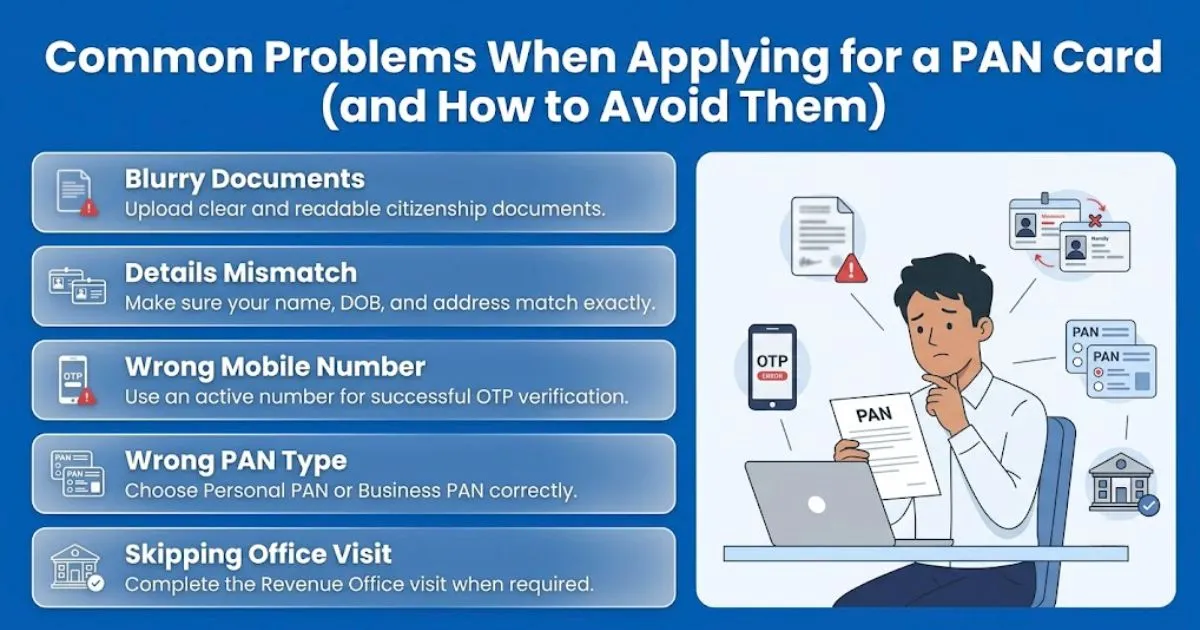
1. Blurry or Unclear Document Uploads
Use good lighting and make sure every line on your citizenship certificate is readable before you upload it. A grainy photo is one of the fastest ways to get your application sent back.
2. Name or Details Mismatch
Your name, date of birth, and address must match exactly what's written on your citizenship certificate or NID. Even a small spelling difference can hold up verification.
3. Wrong Mobile Number
OTP verification fails if your number is incorrect or inactive. Double check the number before you submit, since a failed OTP step stops the whole application.
4. Choosing the Wrong PAN Type
Applying as Personal PAN when you actually need Business PAN, or the other way around, can delay your application. Confirm which one applies to you before you start filling the form.
5. Skipping the Office Visit
Some applications still require a short visit to your selected Revenue Office to finish verification or collect the physical card. Don't skip this step if IRD asks for it, since your PAN won't be finalized without it.
Conclusion
Getting a PAN card in Nepal isn't complicated once you have your citizenship certificate, a clear photo, and a working mobile number ready. Apply through the Taxpayer Portal or the Nagarik App, get your details right, and you'll have your PAN number without much hassle.
Since government procedures can change over time, it's always a good idea to confirm the latest requirements on the official IRD website (ird.gov.np) before applying.